
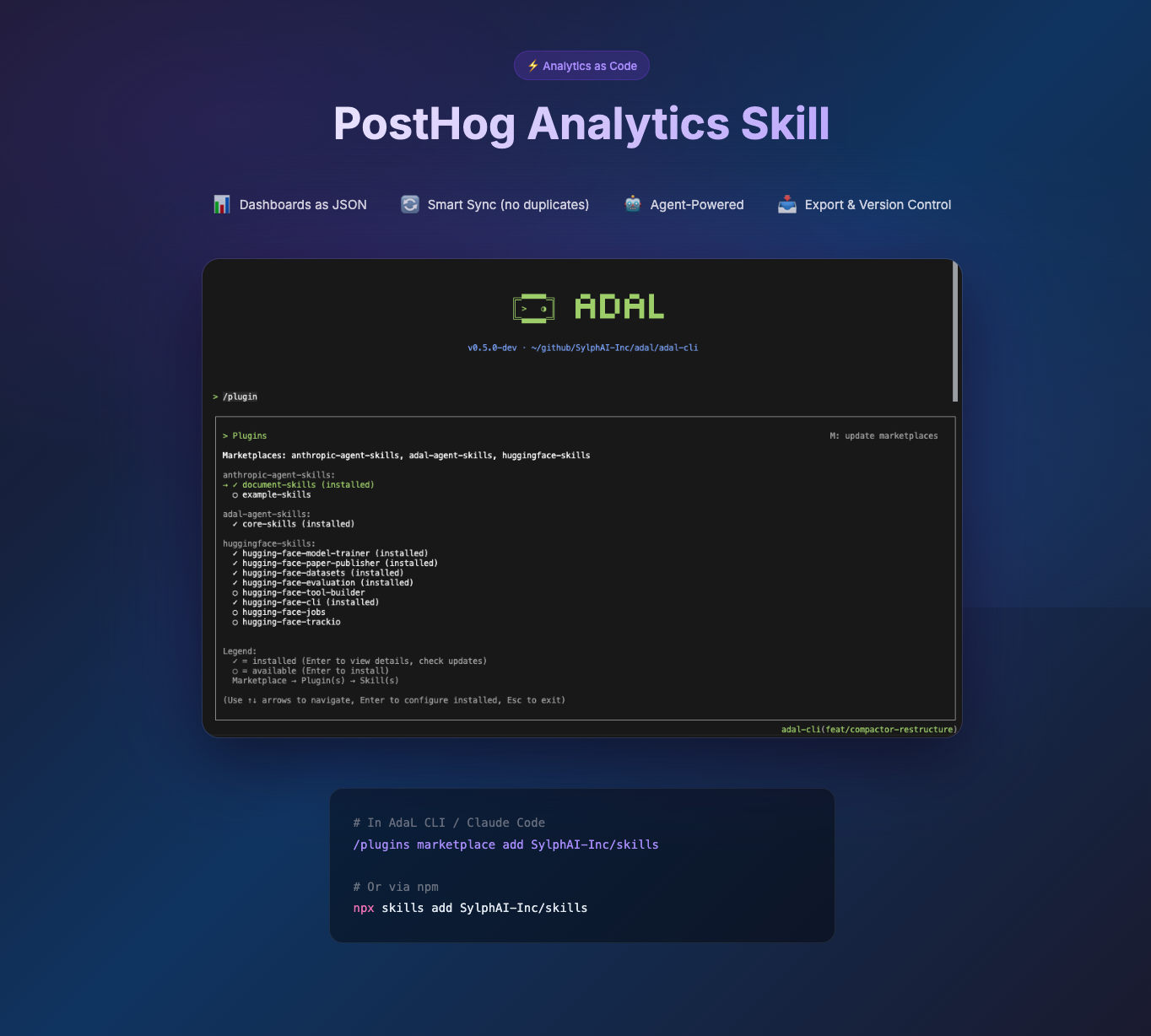
TL;DR: I built an open-source skill that lets your coding agent create PostHog dashboards from a simple JSON config. No API code, no clicking through UIs.
A question I've been asked a lot recently is: "How do you set up analytics for a new project?"
After building 3 products at SylphAI and talking to a dozen founder friends, I realized two things: It's easy to want analytics, but very hard to actually set them up and maintain them.
The Problem Nobody Talks About
Every engineering team I know has the same pattern:
- Launch feature without analytics
- Realize 2 weeks later you have no idea if anyone's using it
- Spend a day clicking through PostHog/Mixpanel/Amplitude UI
- Forget which filters you used, recreate slightly different dashboard in production
- Repeat
The real cost isn't the time—it's the cognitive load. You're context-switching from building to configuring. You're making the same dashboard 3 times across environments. You're debugging "why does Staging show different numbers than Prod?" when the answer is just a typo in a filter.
I got tired of this. So I treated it like any other infrastructure problem.
The Solution: Let the Agent Handle It
Here's what changed everything: I stopped writing API code and started writing Skills.
Skills are markdown files that teach your coding agent how to do domain-specific tasks. Think of them as "expert playbooks" the agent loads on-demand. Unlike a monolithic system prompt, skills load only when relevant—so they don't bloat your context window.
The PostHog skill I built contains:
- Instructions for the 3 main workflows (create, sync, export)
- A bash script that handles all the API calls
- Example configs for common dashboard types
Now when I need analytics, I just say: "Set up a dashboard for our blog traffic." The agent:
- Discovers → Triggers — The agent scans available skills and matches my request to the PostHog skill based on keywords ("analytics", "dashboard", "posthog"). This triggers the skill to load.
- Reads the instructions — The agent loads
SKILL.mdand understands the available workflows - Generates a JSON config — Based on my request, it creates the right config structure
- Runs the script — Executes
sync-posthog.shwith the config to deploy to PostHog
Zero API code. Zero clicking. 10 minutes.
Three Principles Behind the Skill
1. Dashboards are JSON files
If we don't click through AWS Console to create EC2 instances, why are we clicking through analytics UIs? I write dashboards as JSON configs. One source of truth. Version controlled.
{
  "name": "Blog Analytics",
  "domain_filter": "blog.sylph.ai",
  "insights": [
    {"name": "Pageviews", "type": "pageviews_total"},
    {"name": "Unique Readers", "type": "unique_users"},
    {"name": "Top Posts", "type": "top_pages"}
  ]
}
2. The script does the API dance
PostHog's API is fine, but nobody wants to read 50 pages of docs. The skill includes a bash script that:
- Creates dashboards
- Adds insights with proper filters
- Skips duplicates (idempotent sync)
- Exports existing dashboards to JSON
3. The agent orchestrates everything
You don't even run the script manually. You tell the agent what you need, it figures out the right workflow, generates the config, and executes the script. If something fails, it reads the error and tries again.
How to Use It
Step 1: Install the skill
# In AdaL CLI and Claude code
/plugins marketplace add SylphAI-Inc/skills

# Or via skills CLI
npx skills add SylphAI-Inc/skills
Step 2: Ask the agent
"Set up analytics for blog.sylph.ai with pageviews, unique users, and top pages"
The agent handles the rest.
The Honest Part
I'm still figuring out the best config schema. The current one handles 80% of use cases—pageviews, unique users, traffic trends, top pages. Complex queries like multi-step funnels still need manual tweaking.
This is a heuristic, not a silver bullet. But it's gotten us from "we'll add analytics later" to "analytics ships with the feature."
Try It
The skill is open source: SylphAI-Inc/skills. PRs welcome—especially for new insight types, better config schemas, or support for other analytics platforms.
If you're spending more than 15 minutes configuring dashboards manually, something is wrong with your workflow—not with you.