
What You'll Learn
- Core concepts behind self-editing memory in LLM agents: what to store, when to update, and how to retrieve.
- A hands-on, step-by-step mini example that wires a simple memory module into an agent.
- The principles and workflow in action.
The Problem with Limited Context
Large Language Models (LLMs) are revolutionizing how we interact with technology, but they have a well-known weakness: a limited context window. Once a conversation exceeds the model's memory, it forgets what was said before.
While techniques like RAG (Retrieval-Augmented Generation) have partially solved this by retrieving information from external knowledge bases, they are inherently passive. The model can only "read" information; it can't actively and selectively "write" or "update" its own memory.
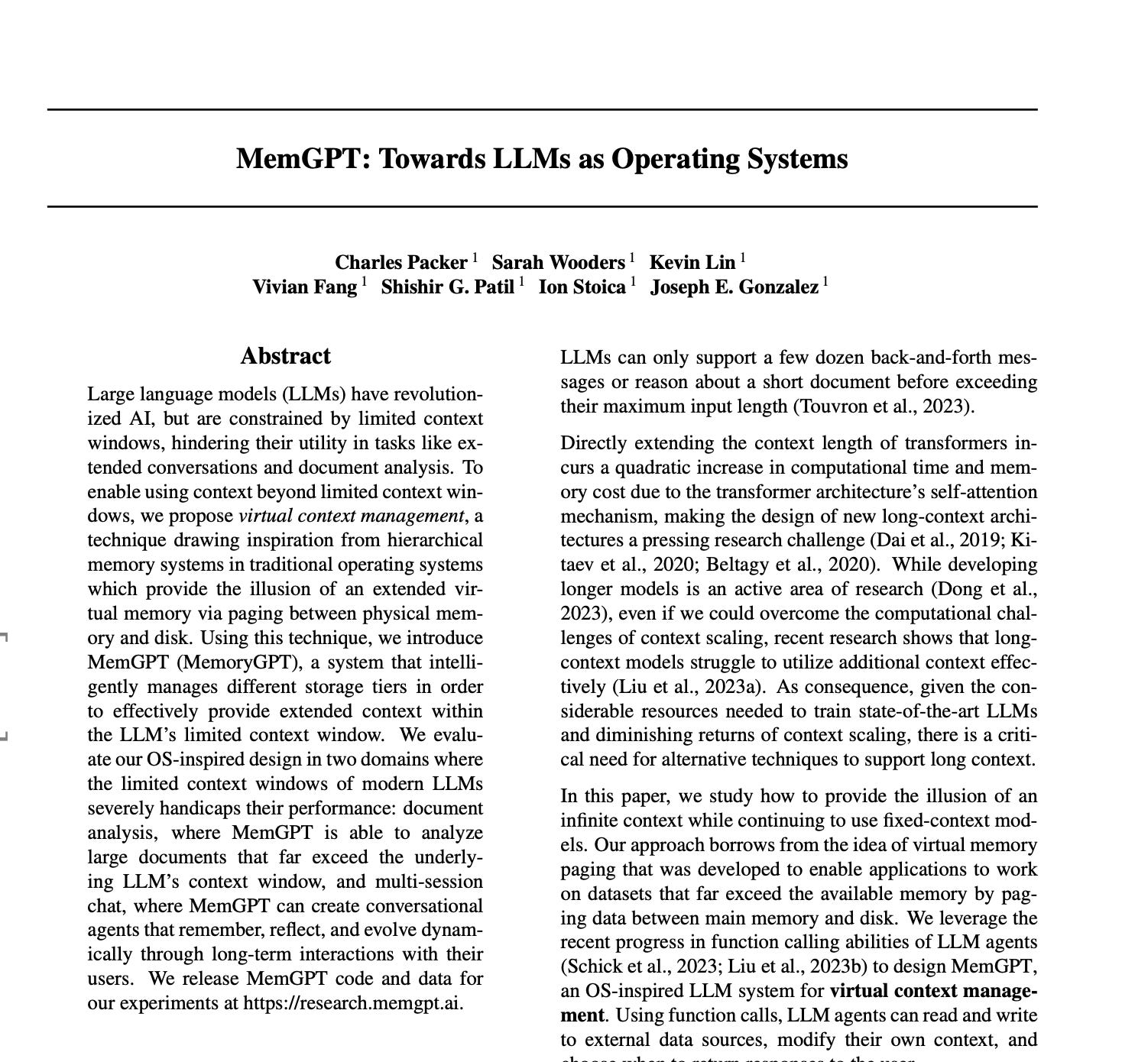
Imagine an agent that could truly remember your preferences, learn from its mistakes, and dynamically adapt its knowledge base over time. This is the idea behind "self-editing memory," a concept first introduced in the MemGPT paper.
The Core Idea: Let the LLM Manage Its Own Memory
The key to self-editing memory is abstracting memory operations (like adding, editing, or deleting) into "tools" that the agent can use. When the agent processes a user's input, it doesn't just think about how to respond; it also considers whether and how it should use these tools to update its internal memory.
We achieve this in three steps:
- Define the System Persona: Craft a system prompt that tells the LLM its identity, capabilities, and that it has memory tools.
- Create the Memory Tools: Define Python functions like
memory_addandmemory_editformatted into JSON schema for the OpenAI API. - Build the Reasoning Loop: Write a loop that allows the LLM to receive input, decide whether to respond or call a tool, execute the tool, and then think again.
Setting Up
import os
import json
from openai import OpenAI

client = OpenAI()

# Simple dictionary as our agent's memory
memory = {
    "name": None,
}

SYSTEM_PERSONA = """
You are MemGPT, an AI assistant with an editable memory.
Your memory is a JSON object, and its current state is:
{memory}

You have access to the following tools:
- `memory_add(key, value)`: Adds a new key-value pair
- `memory_edit(key, new_value)`: Edits an existing key

When you receive a message:
1. Analyze the user's input
2. Determine if you need to update memory
3. Call the appropriate tool if needed
4. Generate your final response
"""
Defining Memory Tools
def memory_add(key: str, value: str):
    if key in memory:
        return f"Error: Key '{key}' already exists."
    memory[key] = value
    return f"Success: Set '{key}' to '{value}'."

def memory_edit(key: str, new_value: str):
    if key not in memory:
        return f"Error: Key '{key}' not found."
    memory[key] = new_value
    return f"Success: Updated '{key}' to '{new_value}'."

available_tools = {
    "memory_add": memory_add,
    "memory_edit": memory_edit,
}
The Agent in Action
When we run agent_step("Hi, my name is Chet."), we see:
👥 User: Hi, my name is Chet.
🧠 Agent decided to call a tool...
   - Calling `memory_add` with args: {'key': 'name', 'value': 'Chet'}
   - Tool Output: Success: Set 'name' to 'Chet'.
📝 Memory has been updated: {'name': 'Chet'}
🤖 Agent: Hello Chet! I've saved your name to my memory.
The agent didn't just respond—it silently stored our name for future reference!
What's Next
This article shows a gentle introduction using simple examples. In Part 2, we'll build on this foundation with production-ready code:
- Uses AdalFlow for multi-step tool use
- Maintains persistent memory across multiple sessions
- Automatically summarizes long histories to avoid prompt bloat
- Exposes memory tools your model can call